Your phone's navigation, music, messages through voice commands – all there on your car's big screen. An Audi Apple CarPlay retrofit, or adding Android Auto, can make even your older Audi feel much more modern. People often ask me, "Kris, can I get CarPlay in my Audi too?" Of course you can, my friend. But first, we need to see which infotainment system you've got.
How do you know if your Audi supports CarPlay?
It all comes down to which generation of infotainment system you have. On newer systems, the hardware often already supports CarPlay and Android Auto, so we just need to activate them. On older ones, we replace a module. And on the oldest models, a more extensive retrofit is needed. That's why I always check exactly what's fitted to your car before telling you which option will work.
What are your options for an Audi Apple CarPlay retrofit?
- Activation – your car's hardware already supports CarPlay and Android Auto, but the feature hasn't been enabled.
- Module replacement – we fit a newer infotainment module and code it to your car.
- Larger screen and infotainment retrofit – for older models where activation or replacing a module simply won't be enough.
So which option is right for your Audi? We check the VIN and the factory-fitted equipment. There's no point spending money on parts until we know exactly what your car supports.
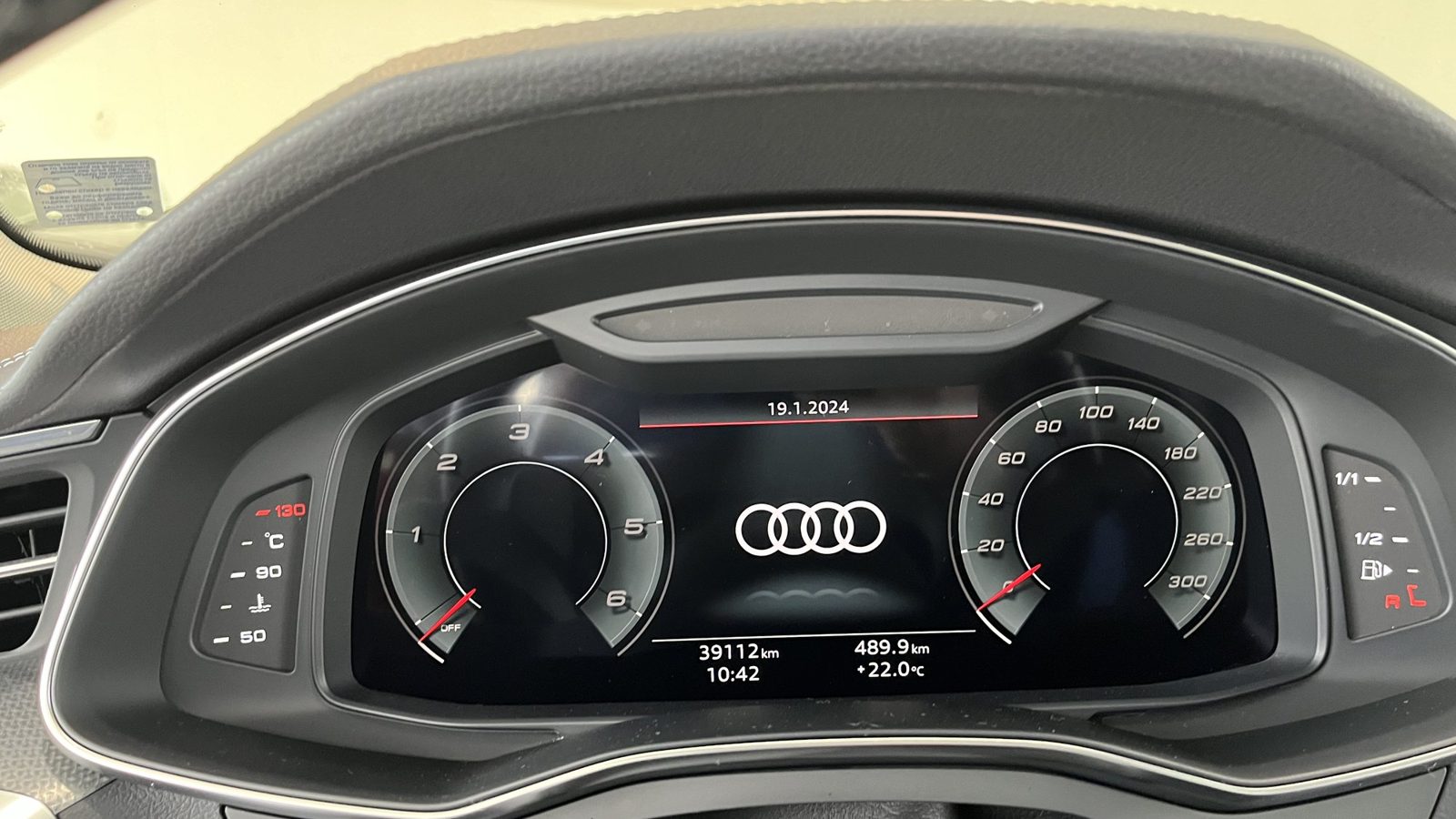
Wired or wireless CarPlay – which is better?
On most cars, CarPlay and Android Auto connect through the USB data port using a cable. Newer systems can also connect wirelessly. Personally, I prefer a cable when I want a reliable connection. It's less likely to drop out, and your phone charges while you're driving with the navigation on.
I wouldn't recommend replacing your factory infotainment system with a universal "Android" screen. After these installations, it's not unusual for some of the car's features to stop working, modules to start throwing up fault codes, and the car's value to drop. And when those problems need fixing, guess who's left with the bill? You are. Not the garage that fitted the screen. I'm telling you this because I don't want you paying twice.
How do we retrofit CarPlay at Das Auto Service?
- We check your infotainment system and factory-fitted equipment using the VIN.
- We explain which option will work for your car and how much it will cost.
- We fit genuine parts and code the modules to your car.
- If necessary, we remove Component Protection using the correct procedure.
- Finally, we check that all your car's features work exactly as they should.
A tip from Kris Mladenov: Get yourself a good-quality CarPlay cable. If the connection keeps dropping out, don't be too quick to blame the infotainment system. Check the cable first. Most of the time, that's the culprit – either it's poor quality or it's already damaged.
Want CarPlay or Android Auto in your Audi? Send us your VIN. We'll check which infotainment system you have, and I'll tell you what we can do. No replacing parts you don't actually need.
The solution in our shop
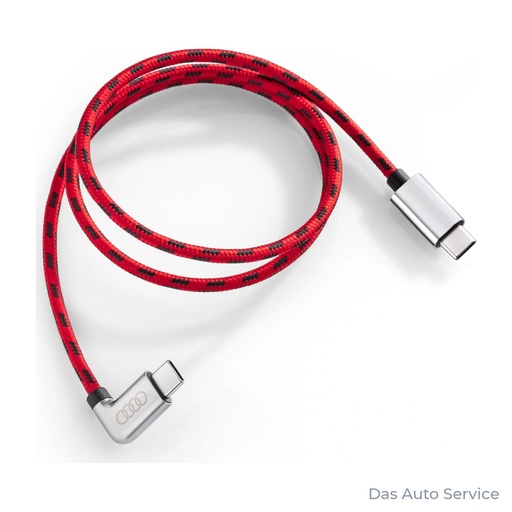
Audi USB Type-C® Power Delivery charging cable
The Audi USB-C Power Delivery cable gives you a reliable connection for CarPlay and Android Auto while charging your phone quickly.
View in our shop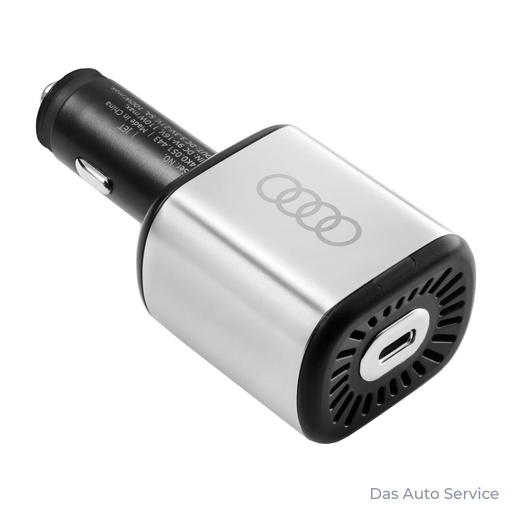
The Audi USB car charger delivers up to 100 W of power to charge your phone while you're using the navigation.
View in our shopRead more
- Retrofitting at Das Auto Service
- Component Protection
- Retrofitting Virtual Cockpit, cameras and lights to factory standards
- VAG coding: what you can and can't activate
- USB-C car charger: why your phone charges slowly
- Older Audi MMI systems: what can you upgrade?
Frequently asked questions
Can I add CarPlay to my older Audi?
It depends on which infotainment system you have. Some models only need activation, others need a replacement module, and the oldest ones require a more extensive retrofit.
Will I lose any of my car's features after a CarPlay retrofit?
No, provided we use genuine parts and code the modules correctly. The important thing is to do the job properly, rather than simply fitting some aftermarket screen.
Does CarPlay work wirelessly?
Yes, on newer systems. On most cars, though, you connect through the USB data port using a cable.