Your Audi still drives beautifully, the engine pulls like it should, but the sat nav is showing maps from ten years ago, your phone barely connects, and the screen is starting to look its age. Sound familiar? On older Audis, the MMI is often the first thing that feels outdated. But here's the good news! An Audi MMI update can bring quite a few things up to date without replacing the whole system.
What can you improve with an Audi MMI update?
- MMI software – to make the system more stable and fix bugs.
- Navigation maps – so you've got up-to-date roads and addresses.
- Bluetooth module – to help it work better with newer phones.
- Activate features that your existing hardware already supports.
When do you need a retrofit instead?
Sometimes a software update alone won't do the trick. If you want more features or a more modern infotainment system, you might need a retrofit. That simply means fitting additional or newer parts to your Audi.
- A bigger screen or a newer generation of MMI.
- Apple CarPlay and Android Auto for older systems.
- A reversing camera or a 360-degree camera system.
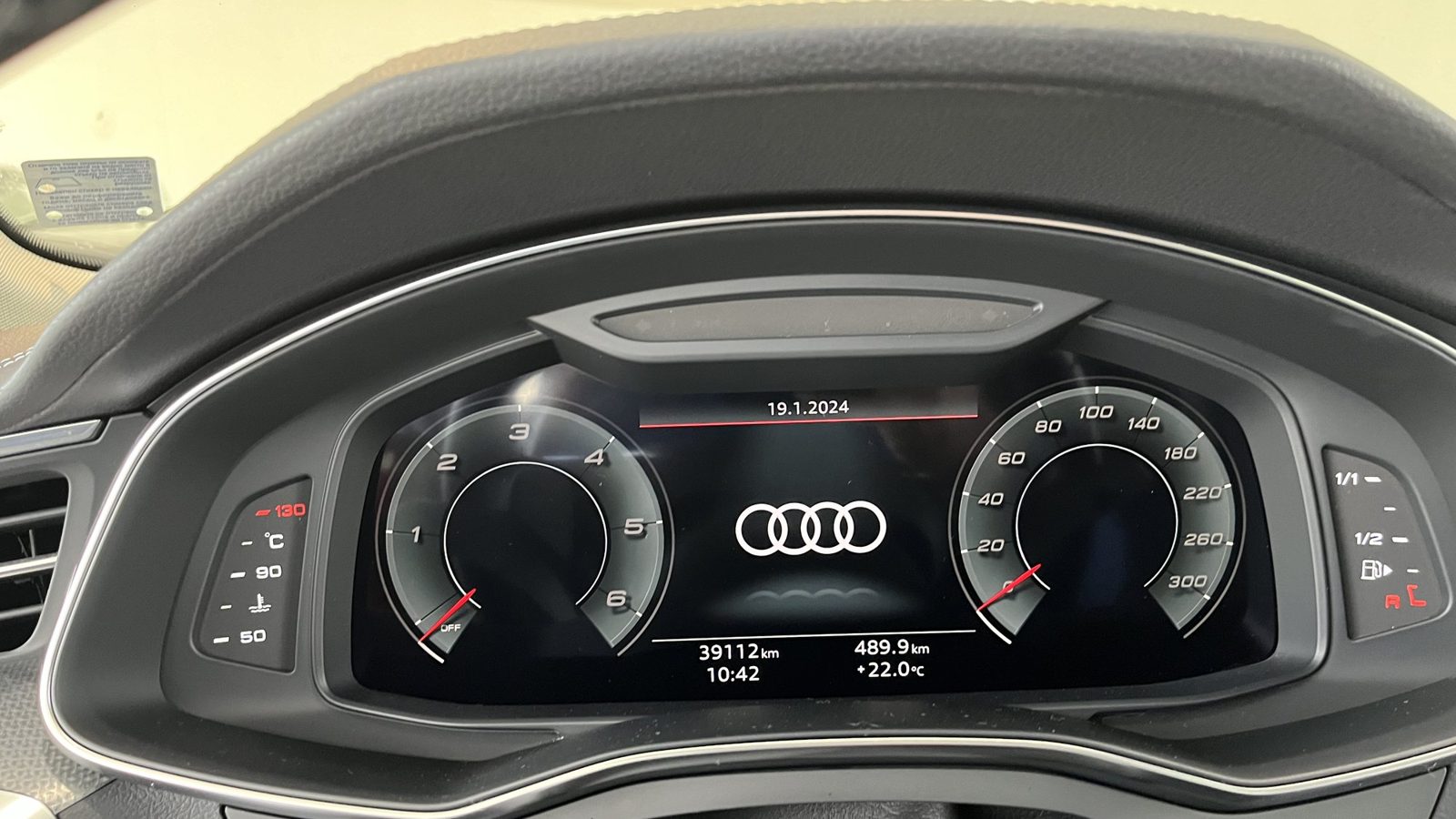
- Virtual Cockpit instead of traditional analogue dials.
How do we find out what's possible on your Audi?
First, I need your VIN. We use it to check exactly which generation of MMI you've got, which modules are fitted and what software they're running. That way, I can tell you what we can sort with a simple update, what needs a feature activating and what actually requires new hardware. No guesswork.
Don't rush into updating your MMI with unverified software you've found online. If the update gets interrupted or you install the wrong version, the module could stop working altogether. And trust me, outdated navigation maps will be the least of your worries then.
How do we update MMI at our workshop?
- We check the system and identify the software version currently installed.
- We make sure there's a stable power supply throughout the update.
- We update the software following the manufacturer's exact procedure.
- For retrofits, we fit genuine parts and code the modules.
- Finally, we check that everything works exactly as it should.
It's not just about installing a newer software version. It has to be the right one for your particular system, and everything needs to work properly afterwards. That's what really matters.
What can you check yourself?
A tip from Kris Mladenov: If your phone is struggling to connect to your Audi, don't immediately assume something serious is wrong. First, delete the old Bluetooth pairings from both the MMI and your phone. Then pair them again from scratch. Sometimes that's all it takes to fix the problem, and you won't need to do anything else.
Can you update the navigation maps on an older Audi?
If your Audi's MMI is starting to feel outdated, the navigation maps are old or your phone keeps struggling to connect, send me your VIN. We'll check what we can update and whether you actually need a retrofit at all.
Read more
- Retrofits at Das Auto Service
- Electrical problems and control modules
- Apple CarPlay and Android Auto in Audi: When Can You Add Them?
- Factory-Style Virtual Cockpit, Camera and Lighting Retrofits
- VAG Coding: What Can You Activate and What Can't You?
Frequently asked questions
Can you update the navigation maps on an older Audi?
On many systems, yes. We check your VIN to find out which maps and versions are right for your particular Audi.
Can you fit a bigger screen to an older Audi?
Sometimes, yes, with a retrofit. It all depends on your model and which MMI system you have.
Is it safe to update Audi MMI?
Yes, as long as you use the correct software, keep the power supply stable and follow the manufacturer's procedure.